


New article
Recently updated
Adding an FAQ item

Who is this article for?
Users working with FAQ items.
Creator module access is required.
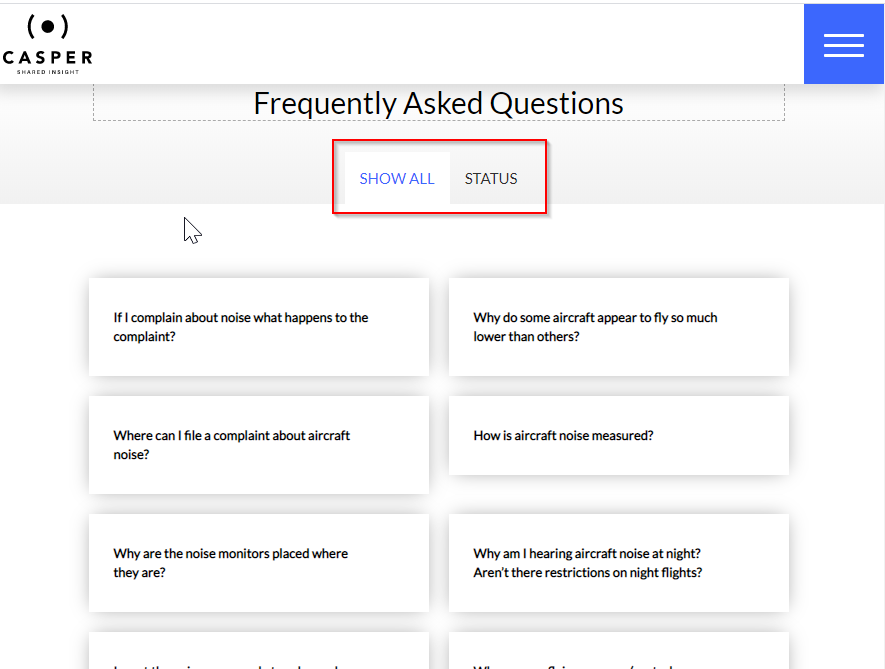
The FAQ overview page template displays all frequently asked questions organised into tabs based on their assigned tags.
FAQ overview layout
The page opens on Show all, which appears on the left. Additional tabs display to the right in alphabetical order, with each tab representing a different tag assigned to FAQ items.
Adding a new FAQ item
To add a new FAQ:
- Open the Admin menu.
- Select Frequently asked questions.
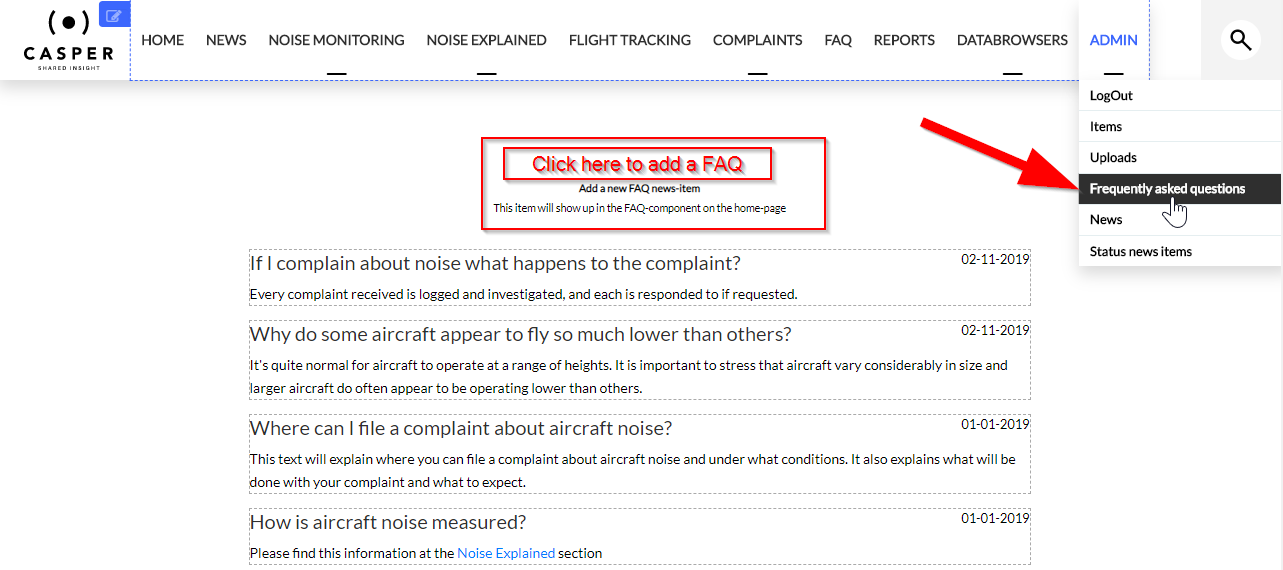
- Click the Add button above the FAQ text on the page.
- Enter FAQ details.
- Click Save.