New article
Recently updated
Getting started with the platform

Who is this article for?
Users looking for help navigating the platform.
No special access or permissions are required.
This article walks you through the platform which should help the community understand what is happening at an airport.
You will learn how to navigate various sections to keep abreast of the latest news, read information and review data on traffic, noise and complaints.
Navigating the platform
To navigate the platform effectively:
View the introduction to familiarize yourself with the platform's main features and capabilities.
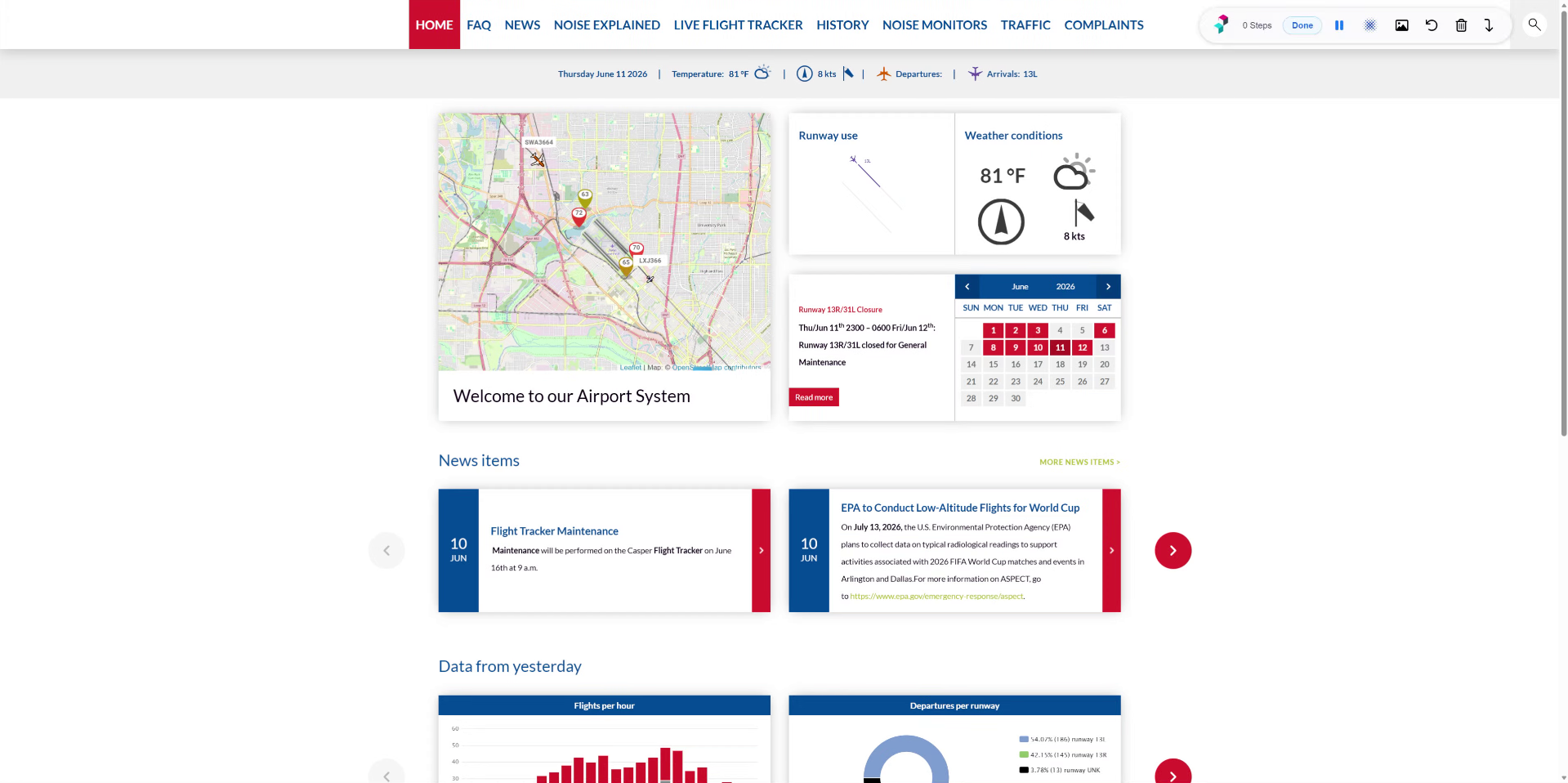
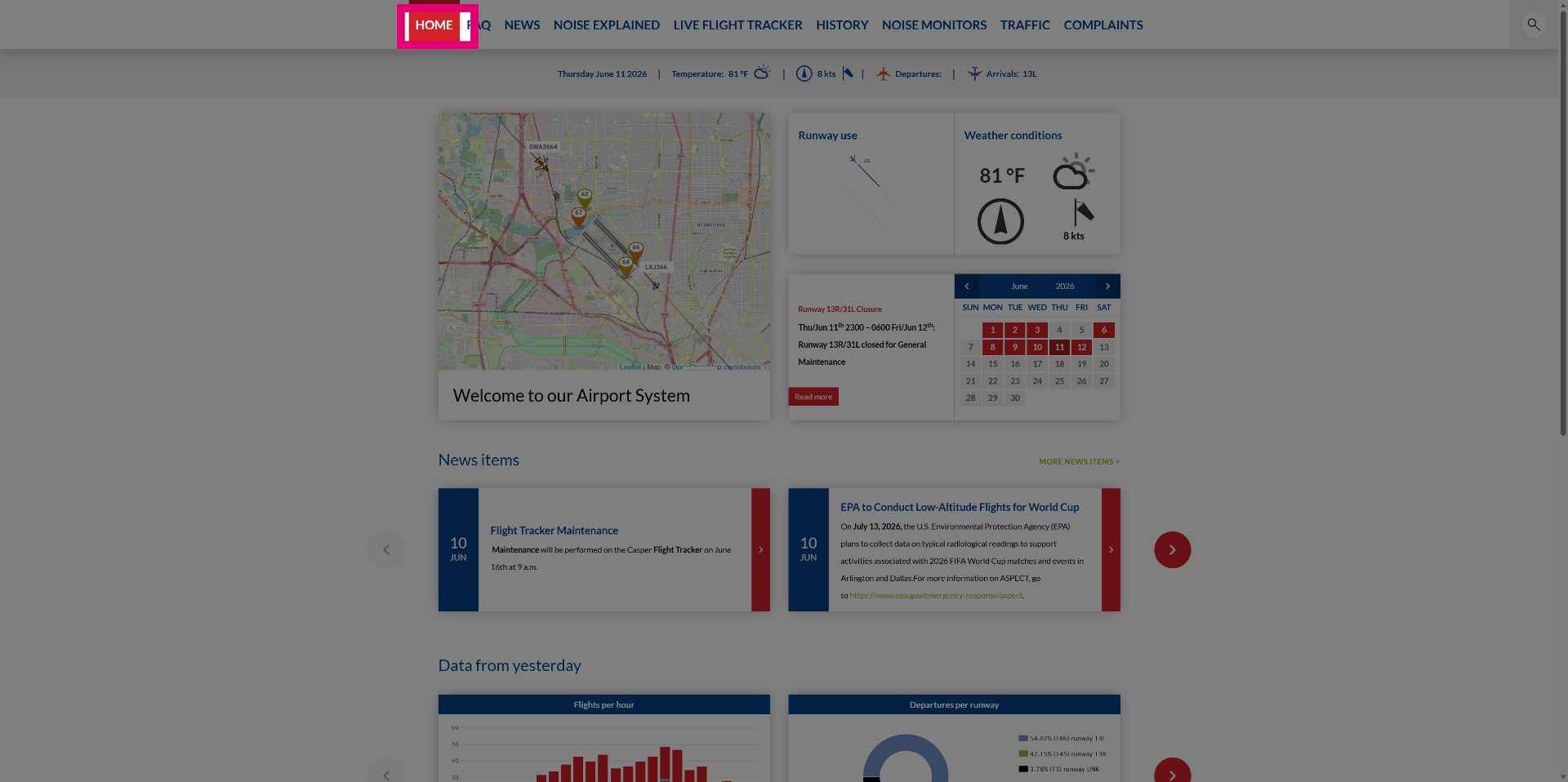
Click the main menu to view NoiseLab's primary navigation options including Home, FAQ, News, and Live Flight Tracker.
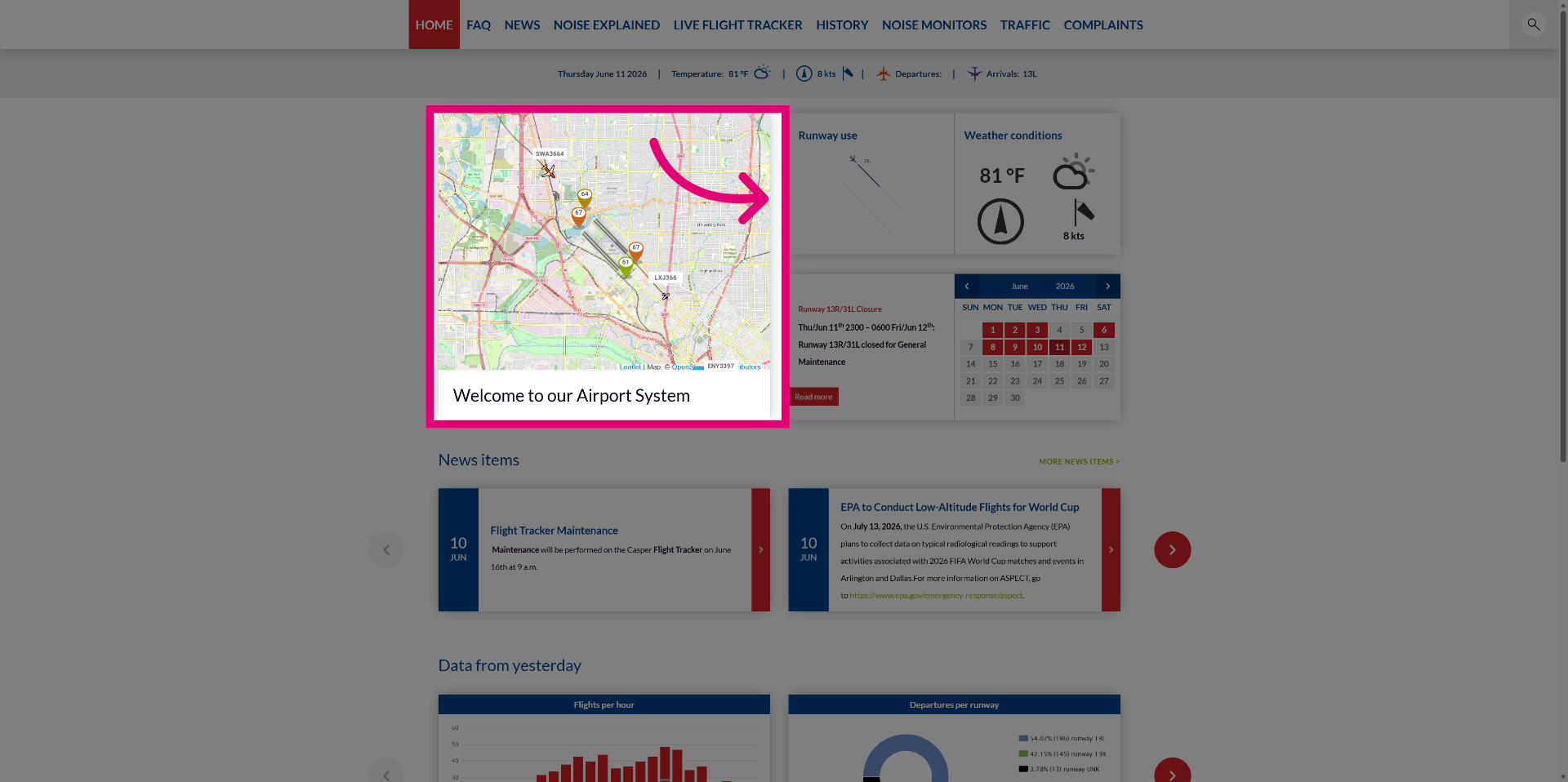
Click the FlightTracker view on the home page to access the actual FlightTracker.
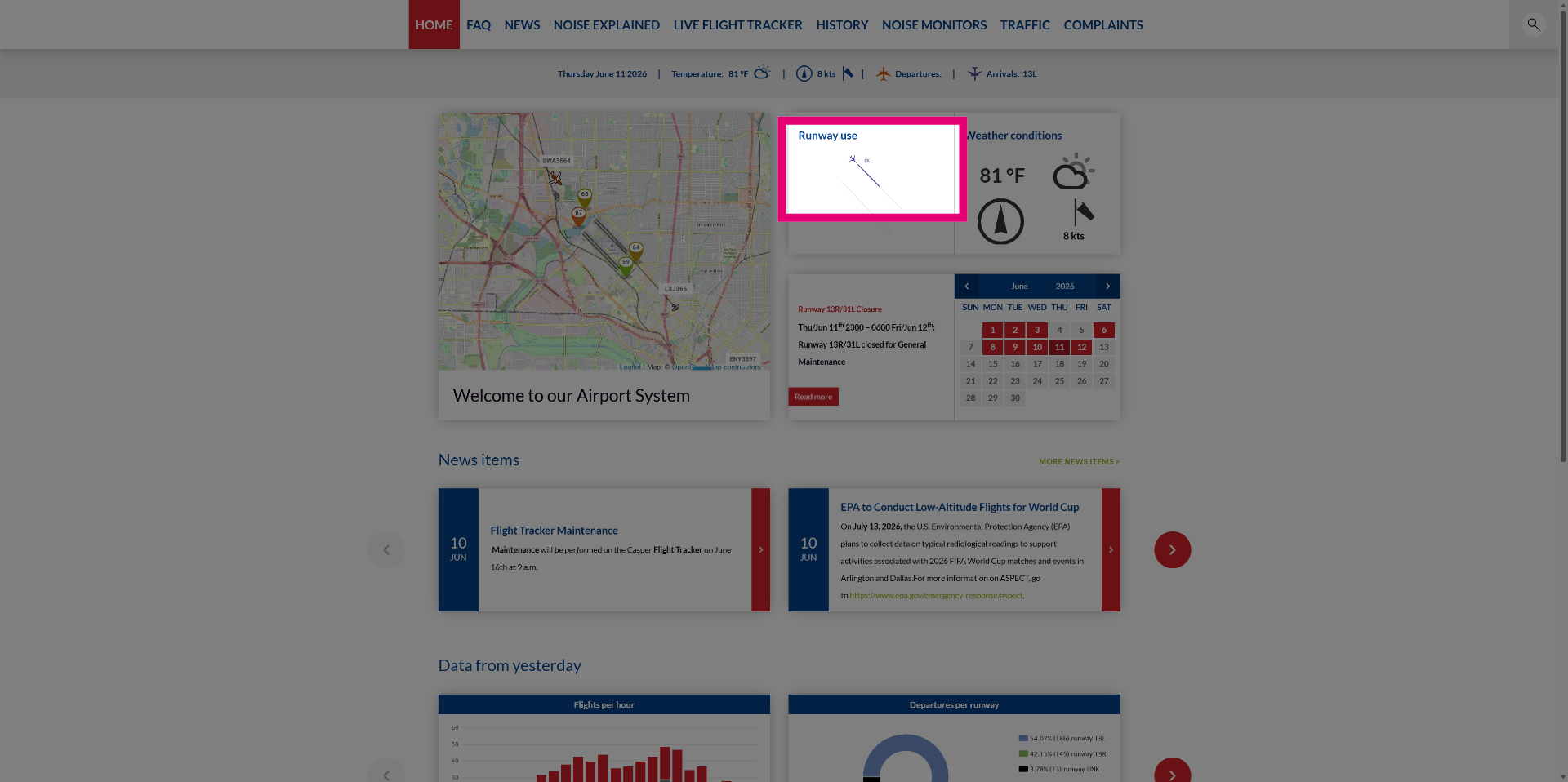
Review the runway use panel which indicates which runways have recently been used.
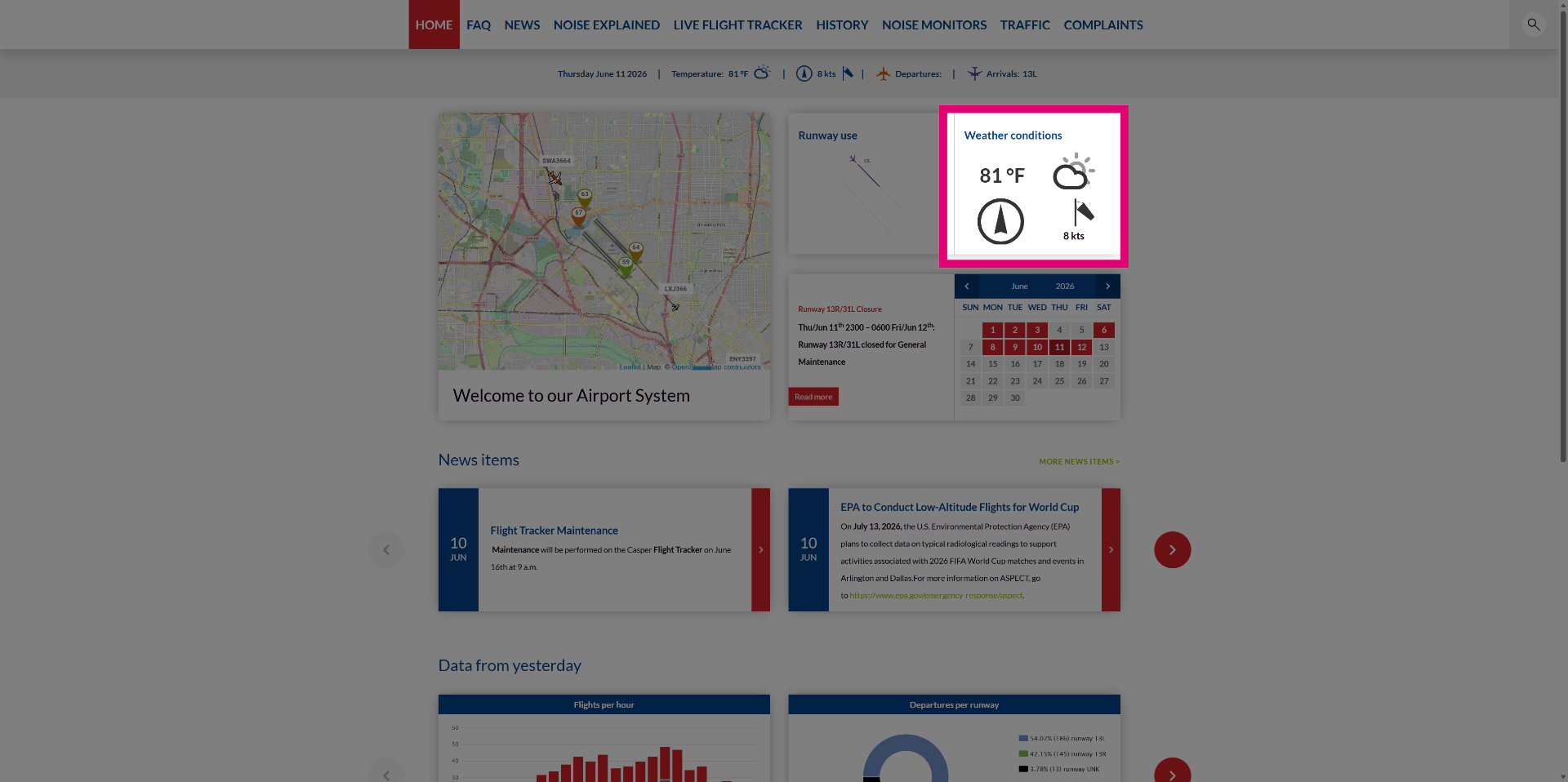
Check the weather panel to view current weather conditions.
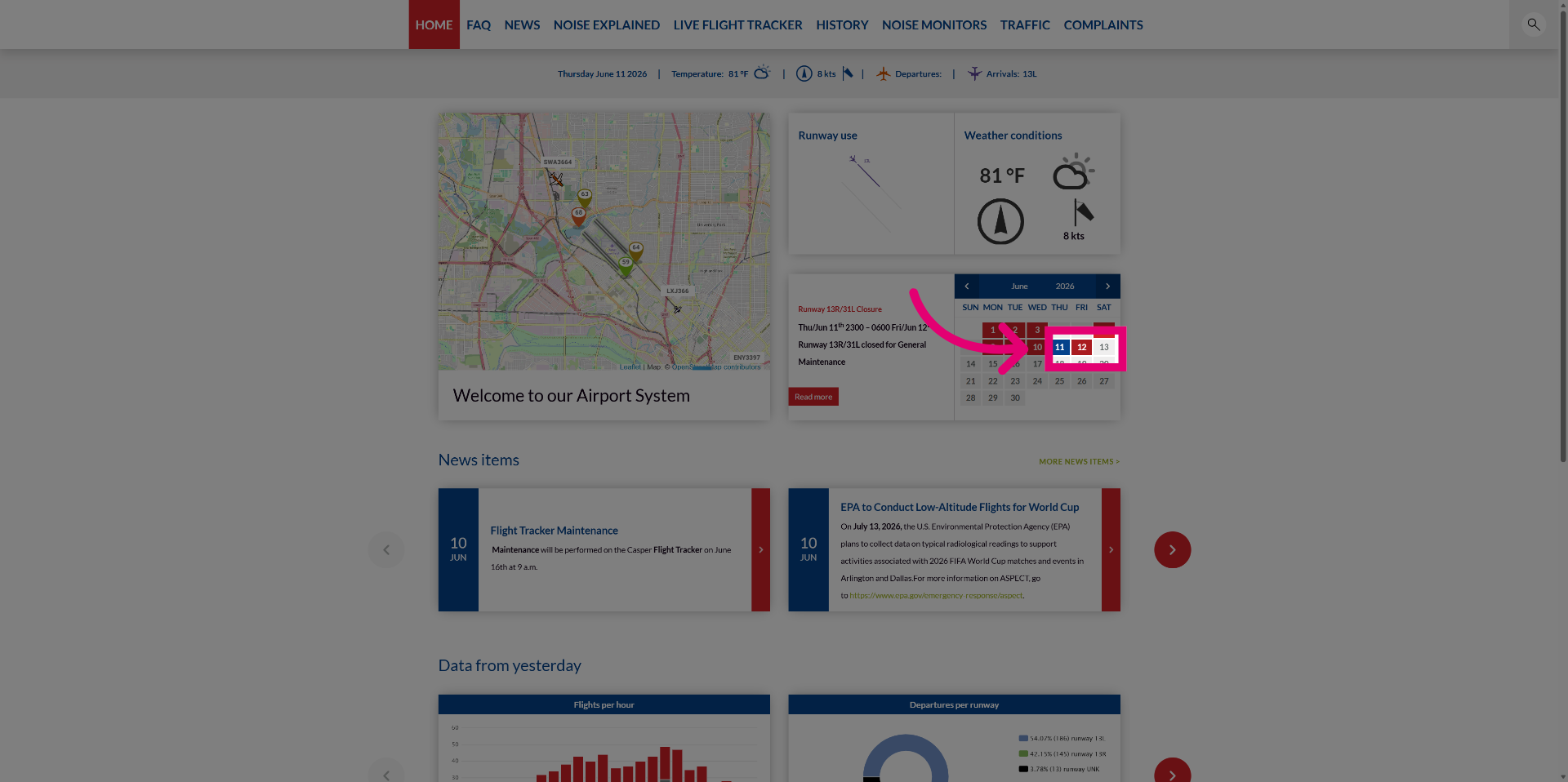
Click on a date in the calendar panel to see scheduled events.
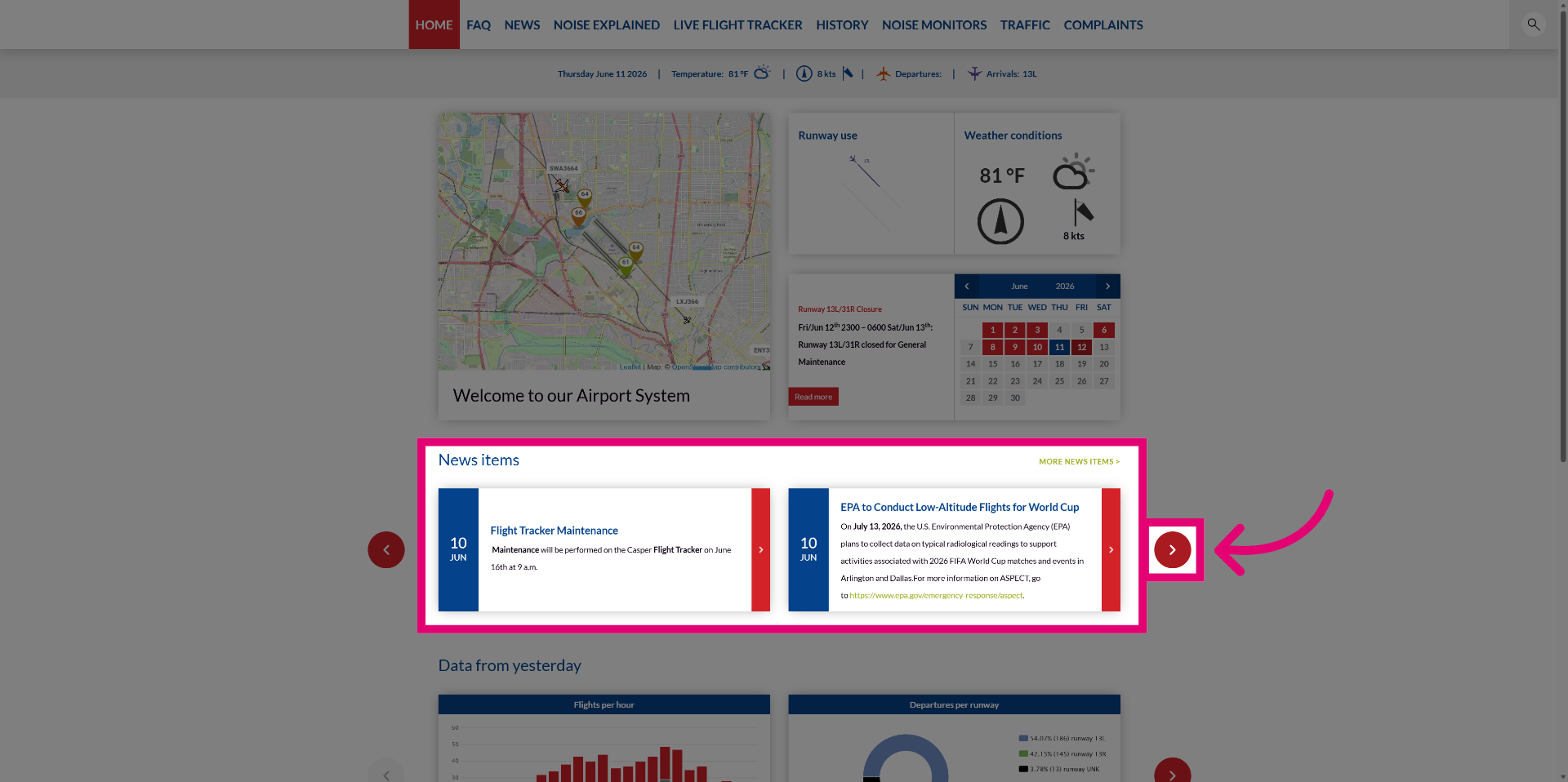
Browse through the News carousel on the home page by clicking the navigation button.
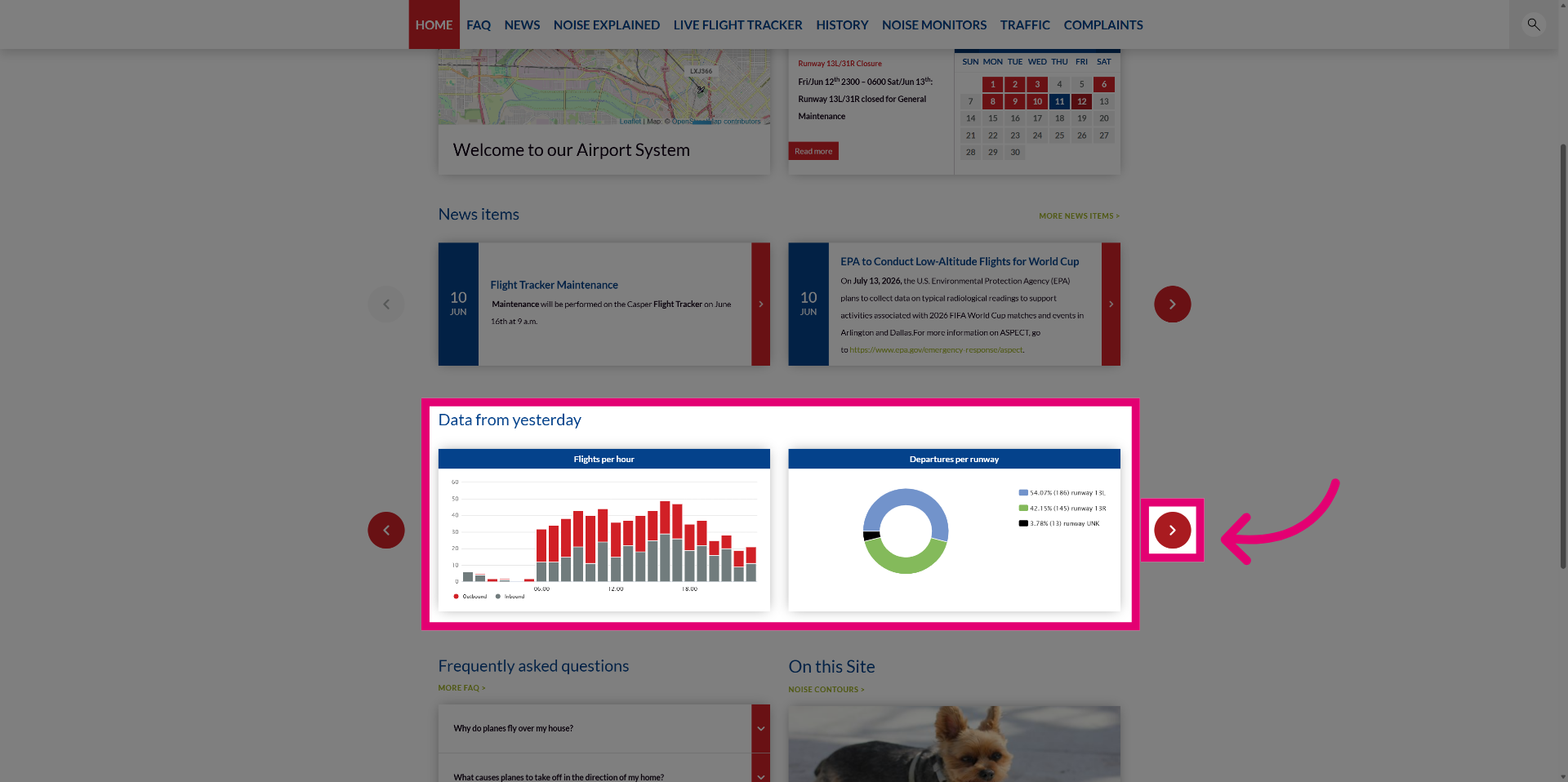
View the carousel with graphs showing yesterday's operations on the homepage.
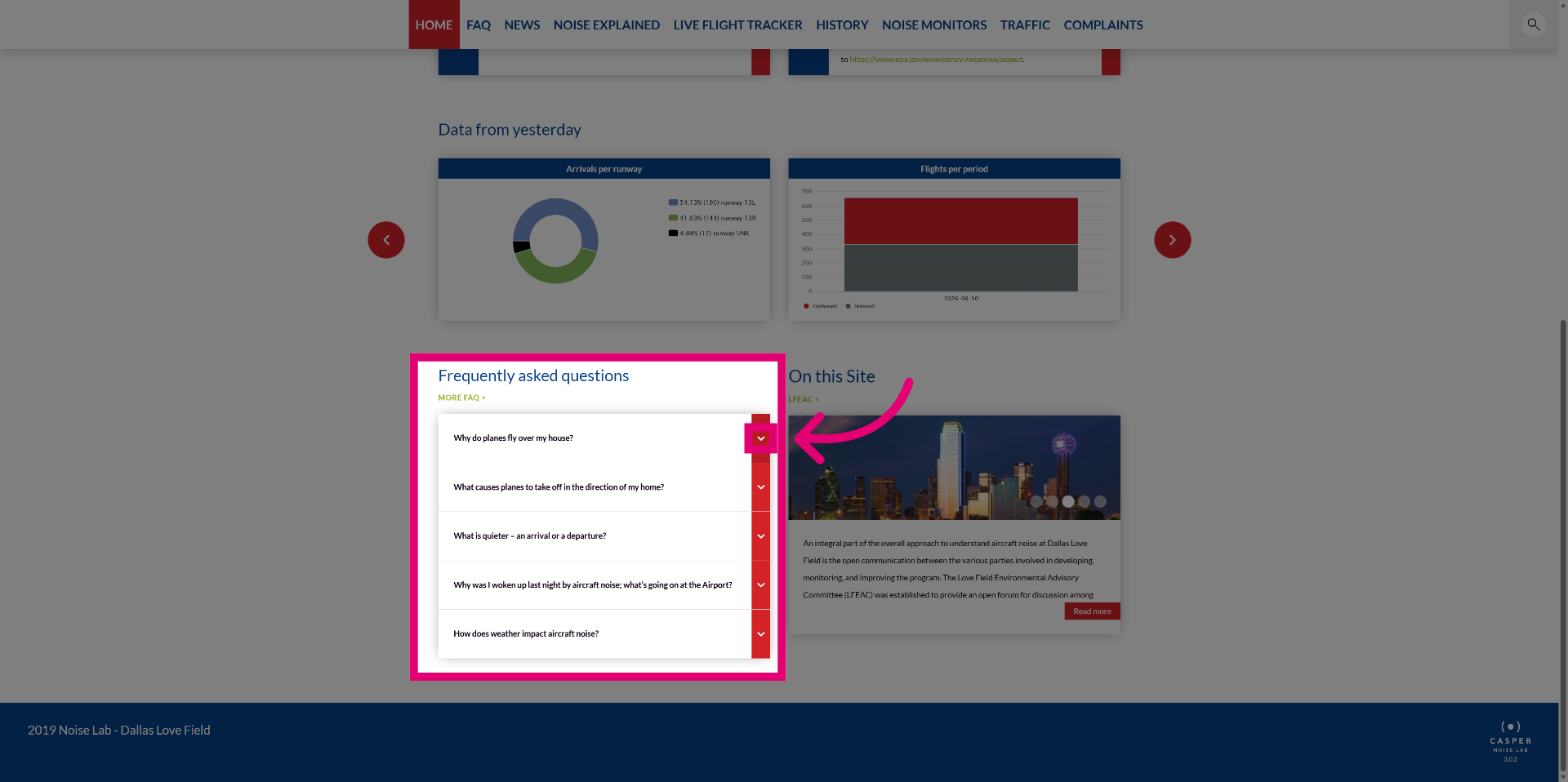
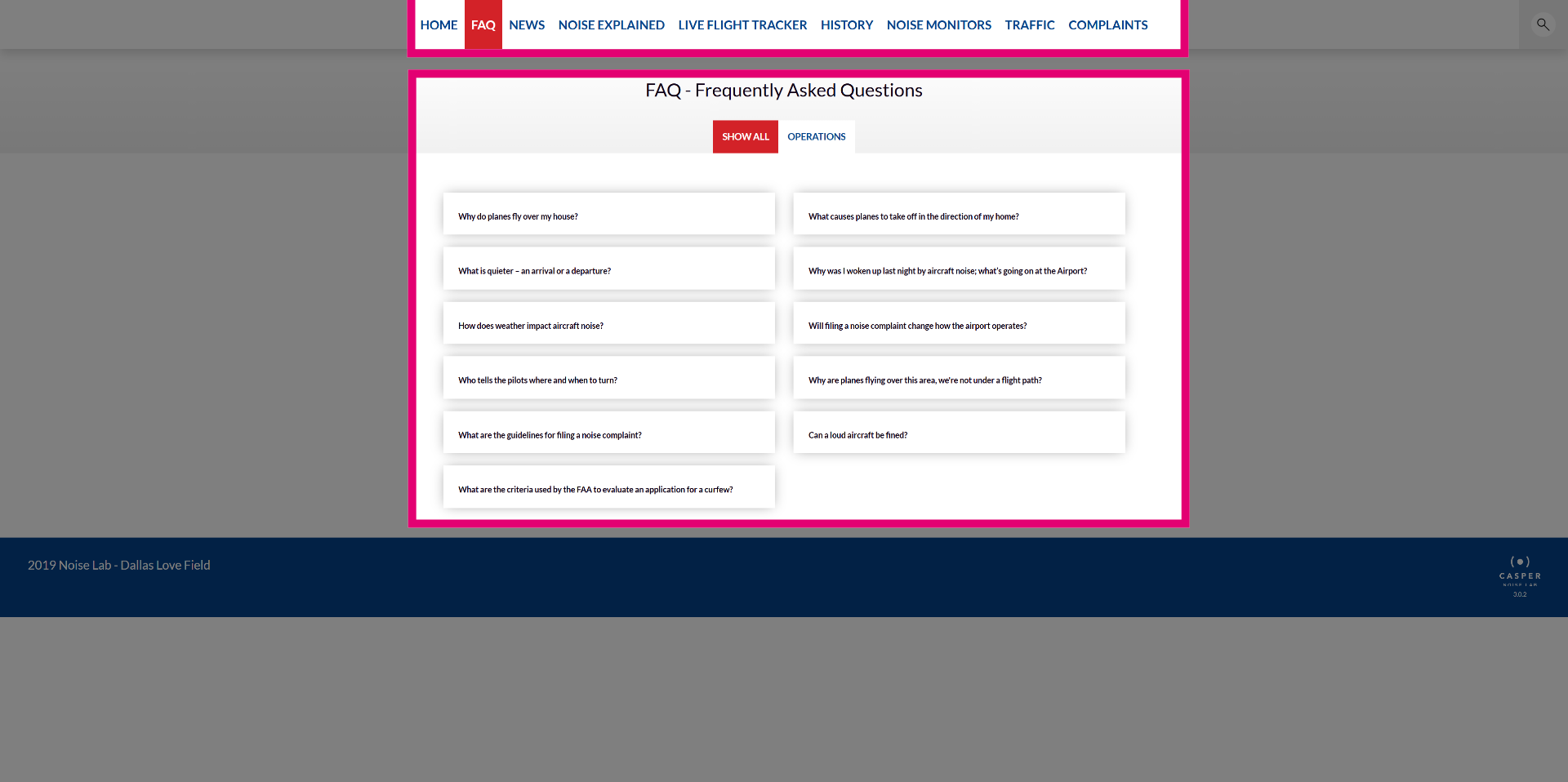
Access FAQ items directly from the homepage.
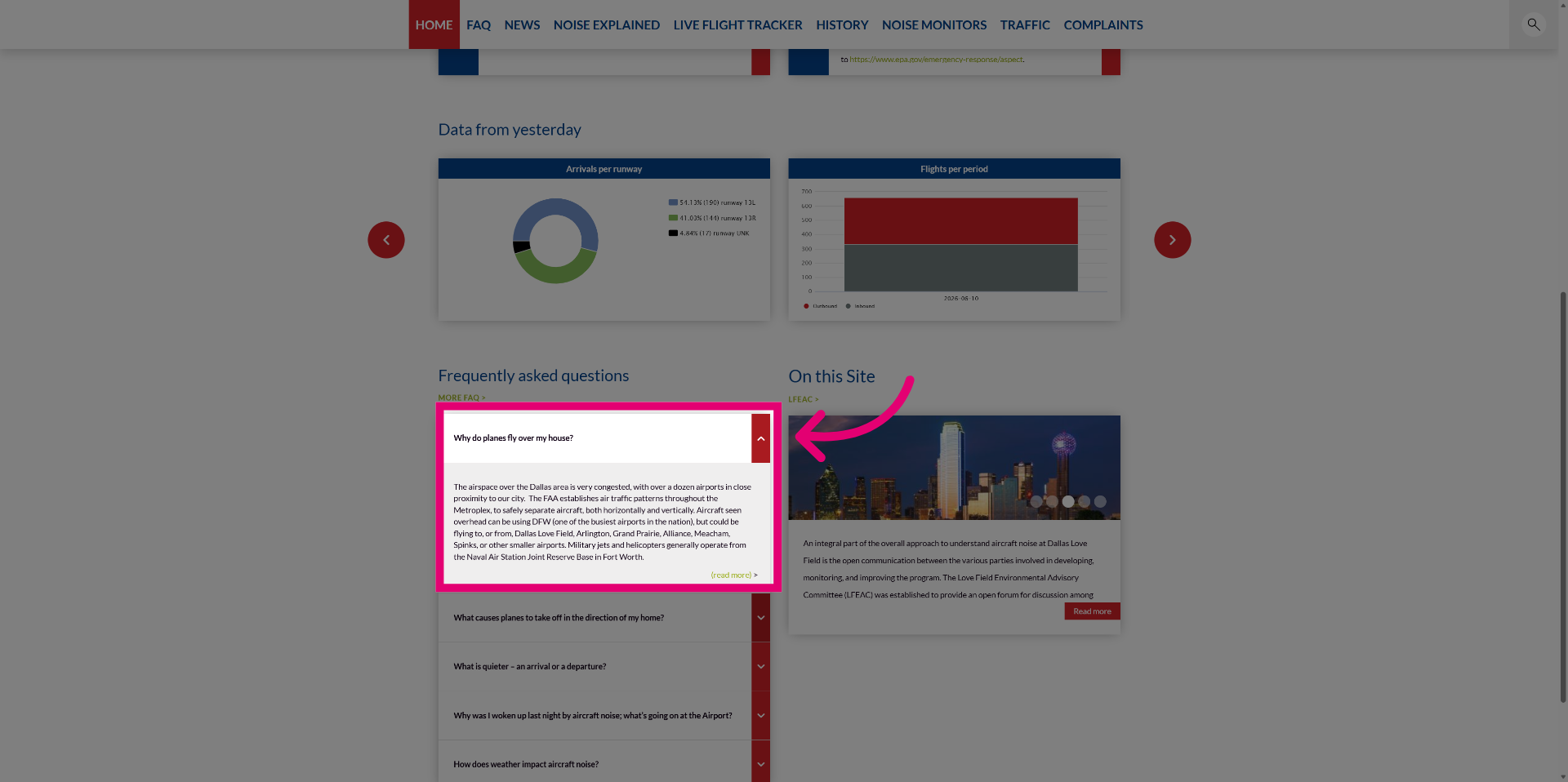
Click on an FAQ item to read the answer, click again to hide it, or click the next FAQ item to show the next answer and hide the previous one.
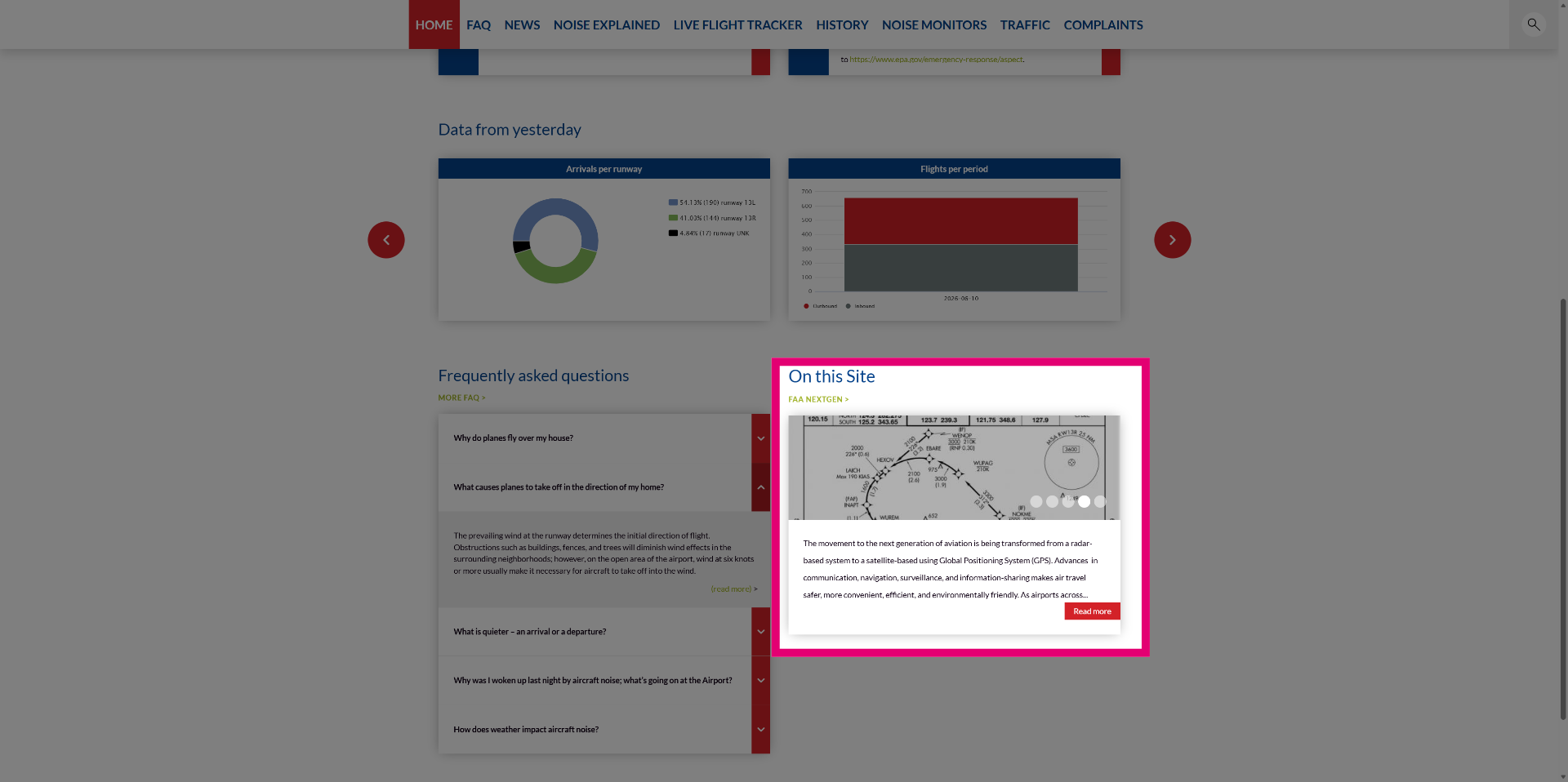
Use the content preview pane to preview content from a predefined set of other site pages.
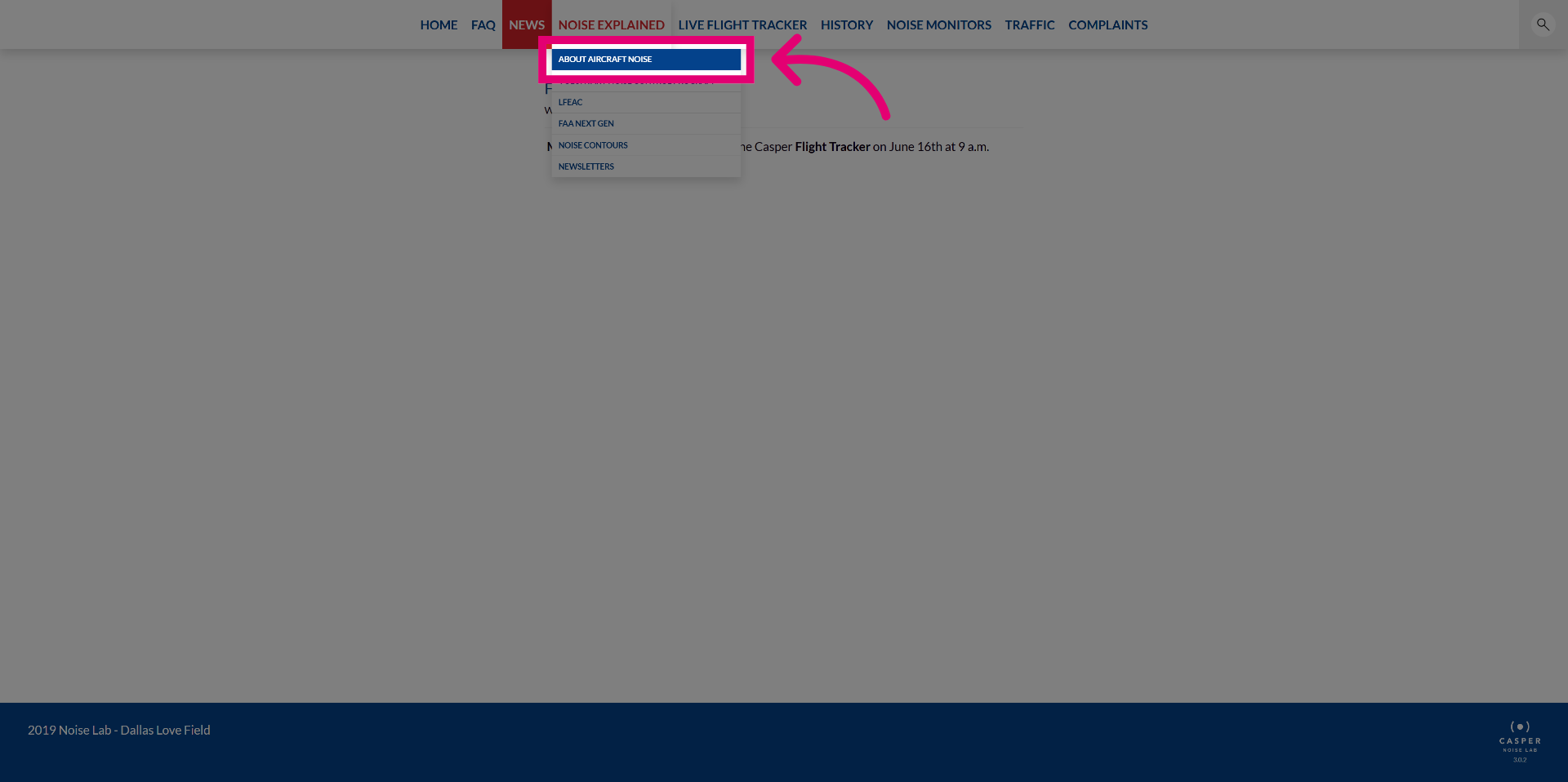
Open content pages like FAQ, NEWS and NOISE EXPLAINED from the top menu. Every airport can specify what menu items and related content pages they would like to publish.
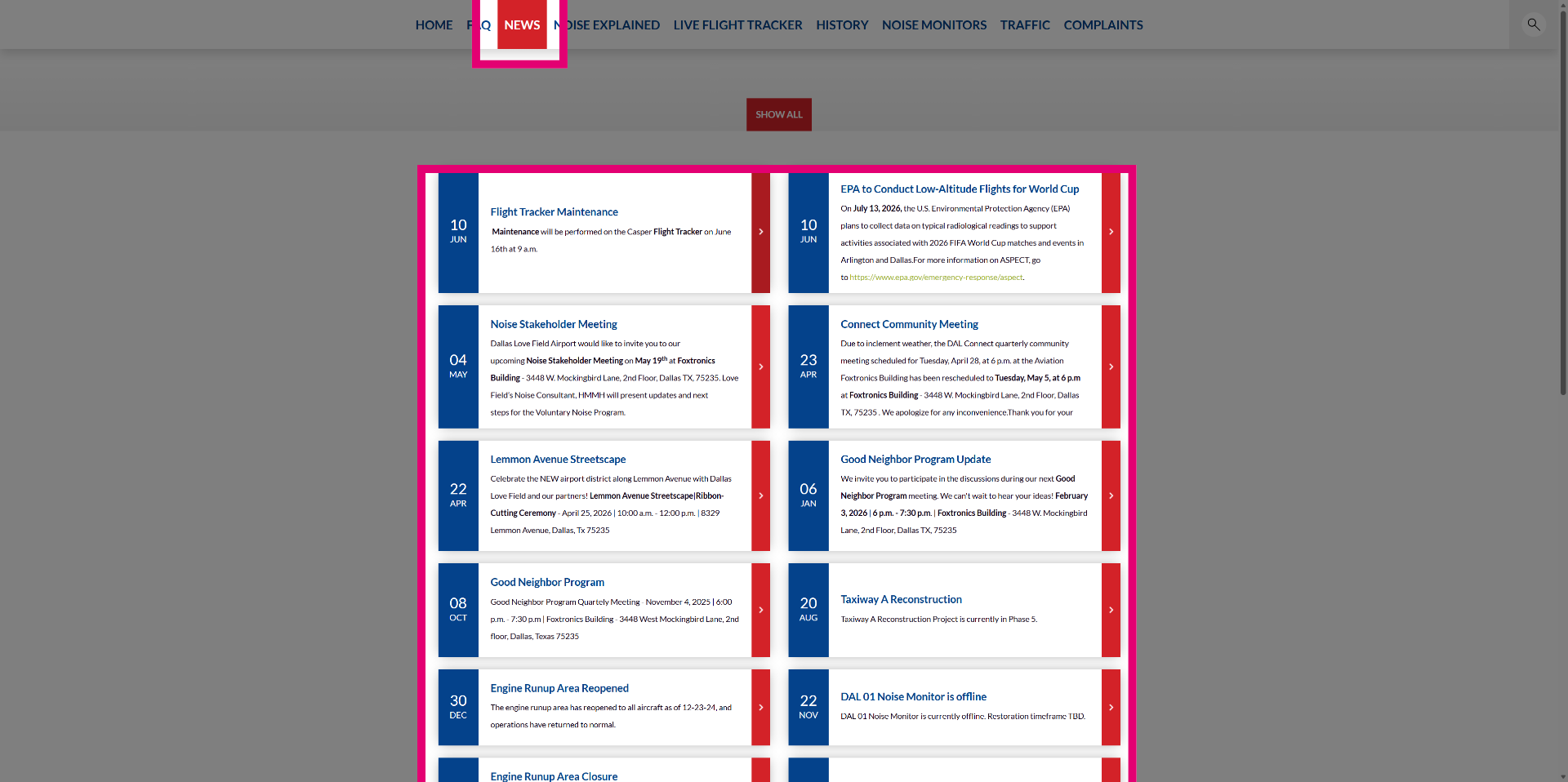
View the News page to read detailed news articles.
Navigate to a content page using sub-menu items under main menu categories.
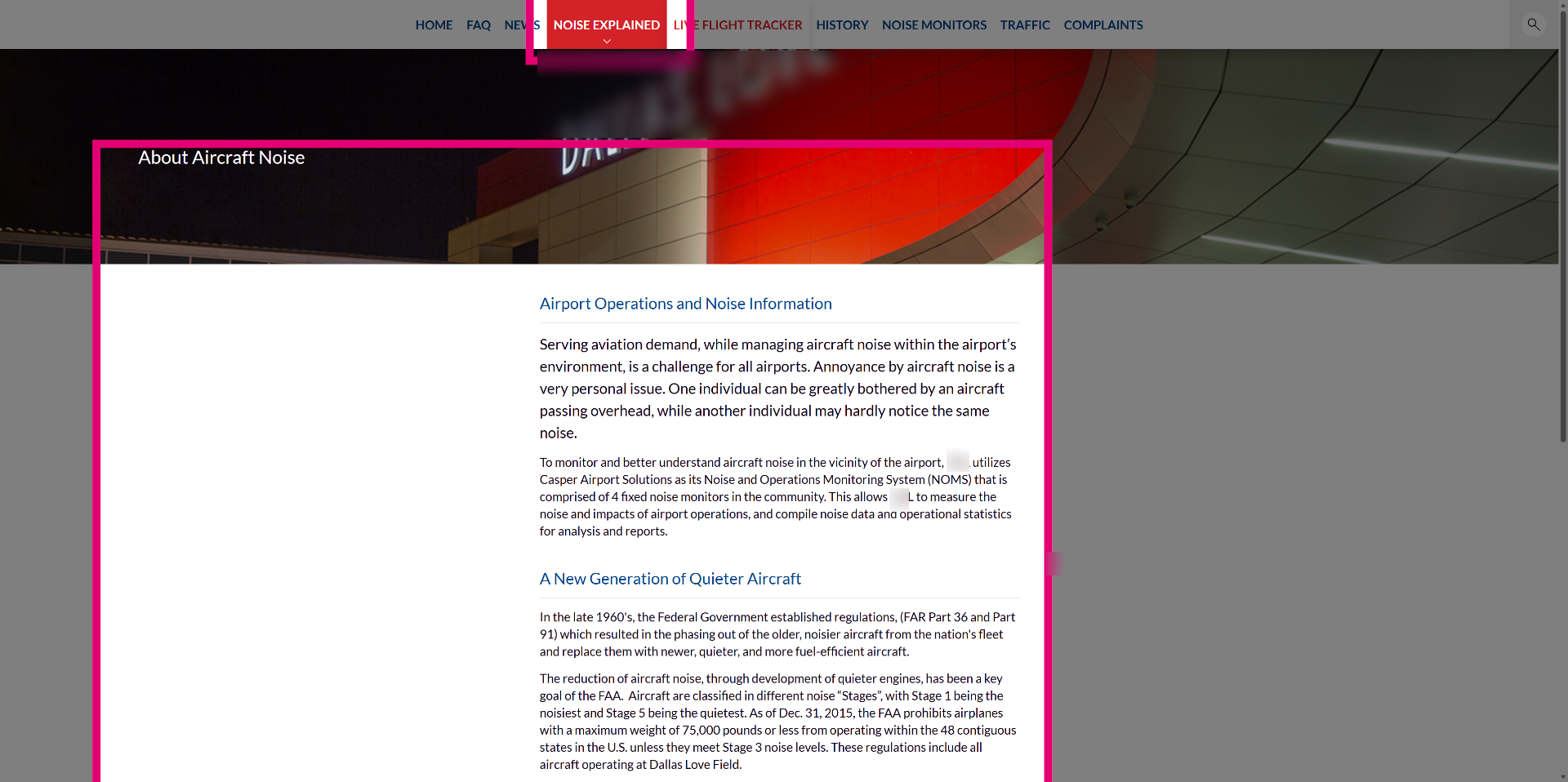
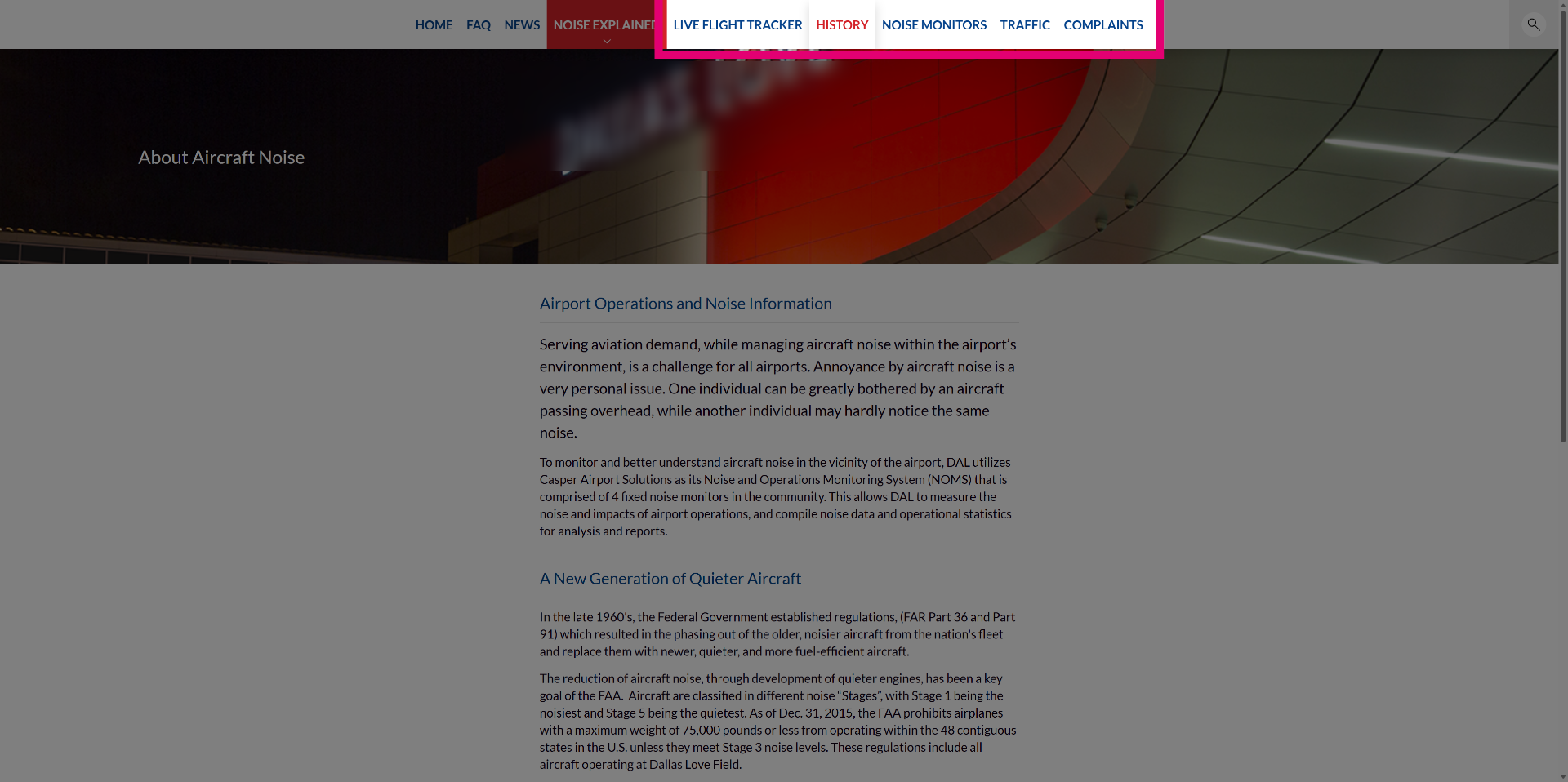
Review the About Aircraft Noise content page under the NOISE EXPLAINED section.
Access data browsers from the top menu to delve into historic information on tracks, flights, runway use, noise and complaints depending on the information available.
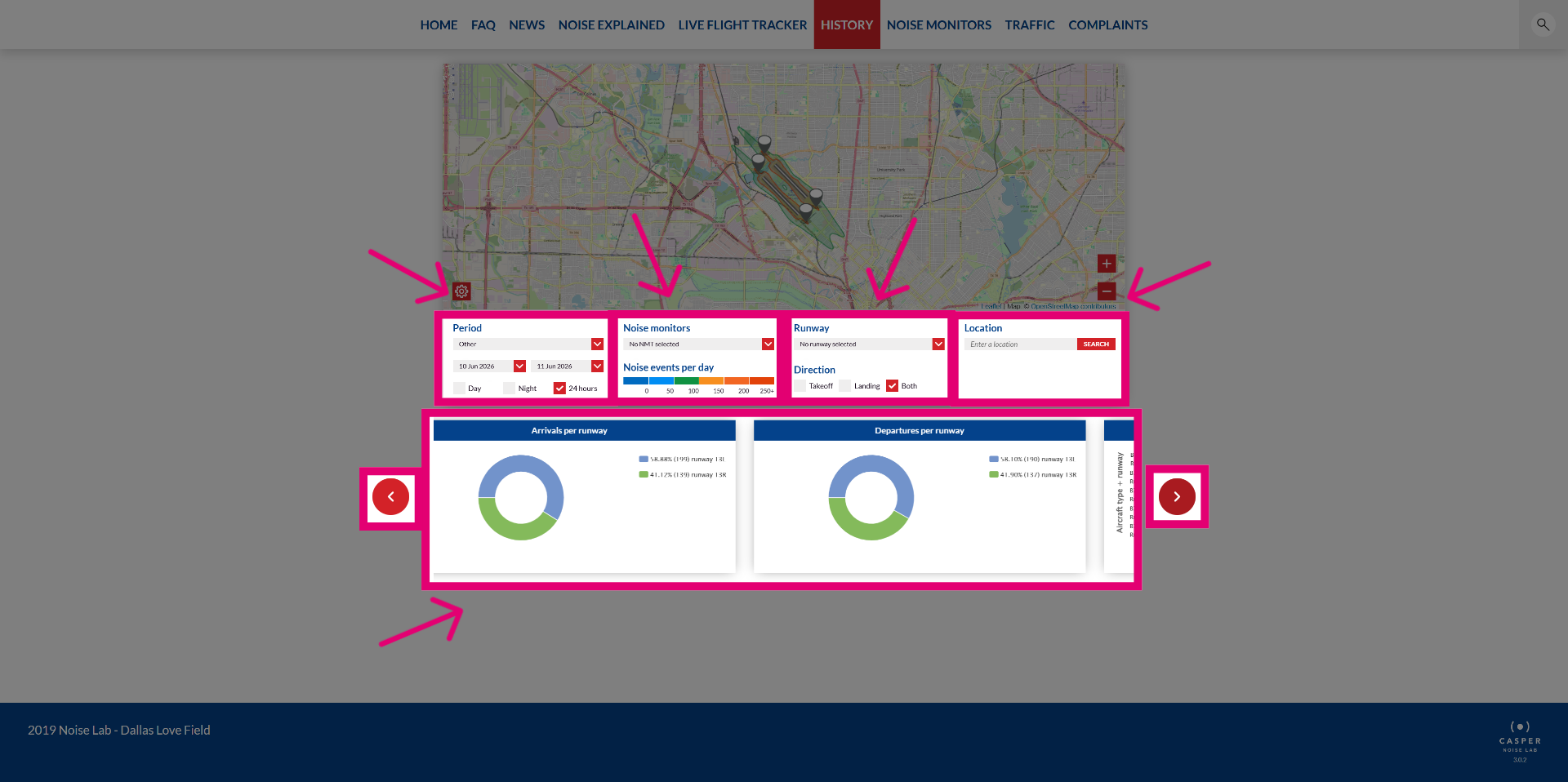
Use the historic data browser which covers one area of information with a period filter, and depending on the dataset, additional filters for Noise Monitor, Runway, Direction and location.
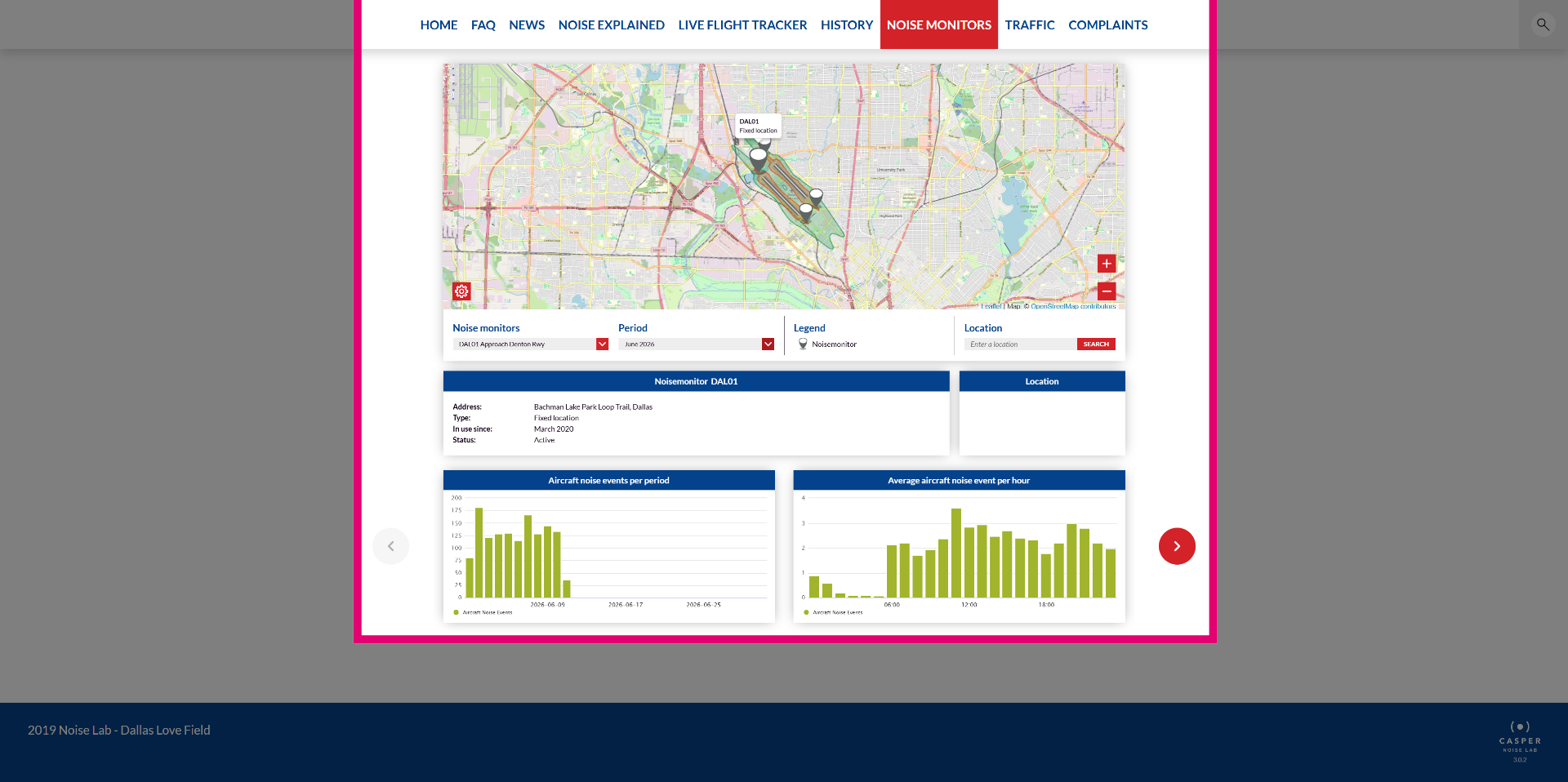
View the Noise Monitor data browser showing the number of Aircraft Noise Events per month and the average number of aircraft noise events per hour, with filtering options for period or Noise Monitor.
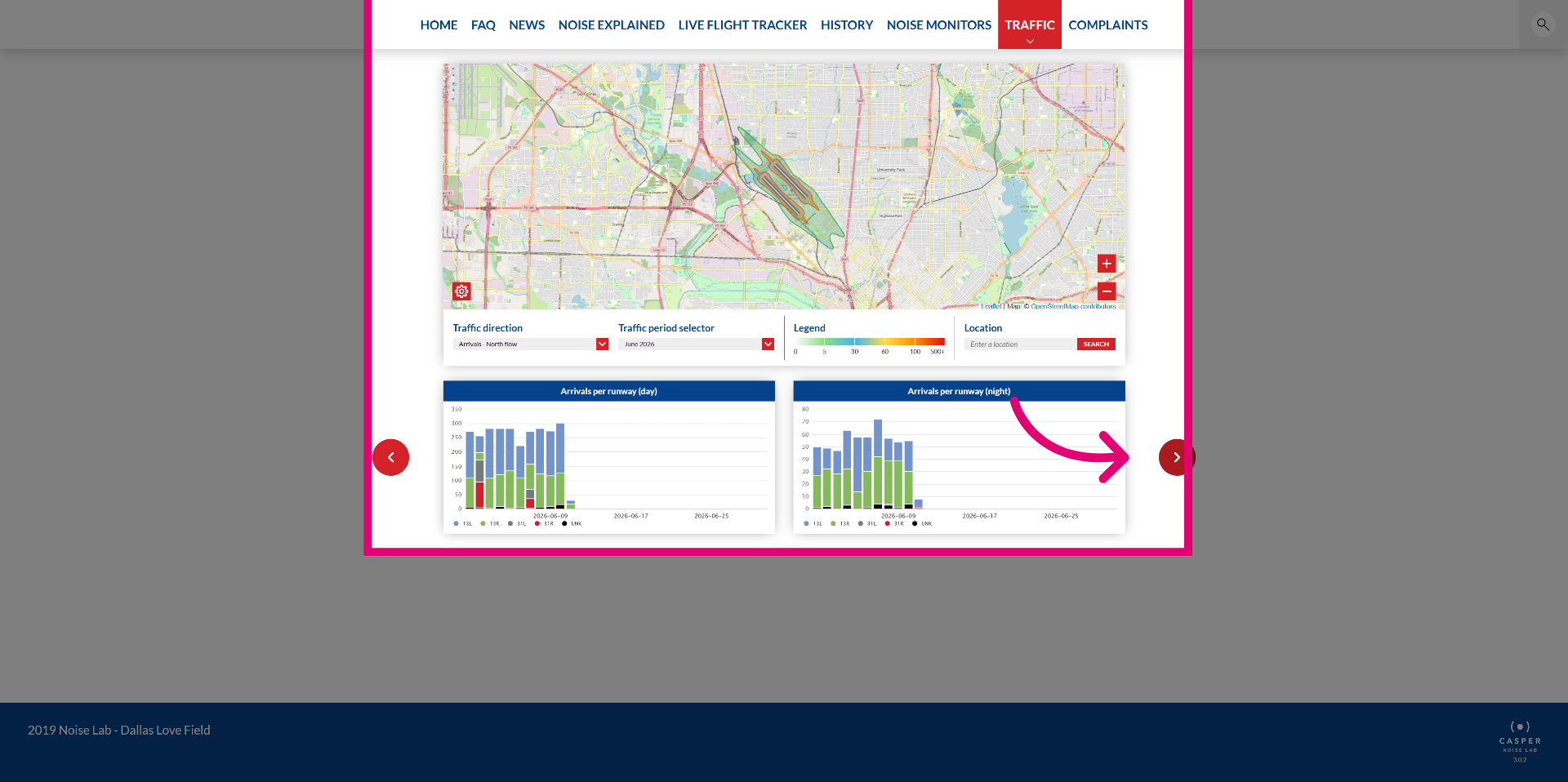
Review the traffic data browser which provides a view on arrivals per runway during the day and night, with carousel navigation to view departures instead of arrivals.
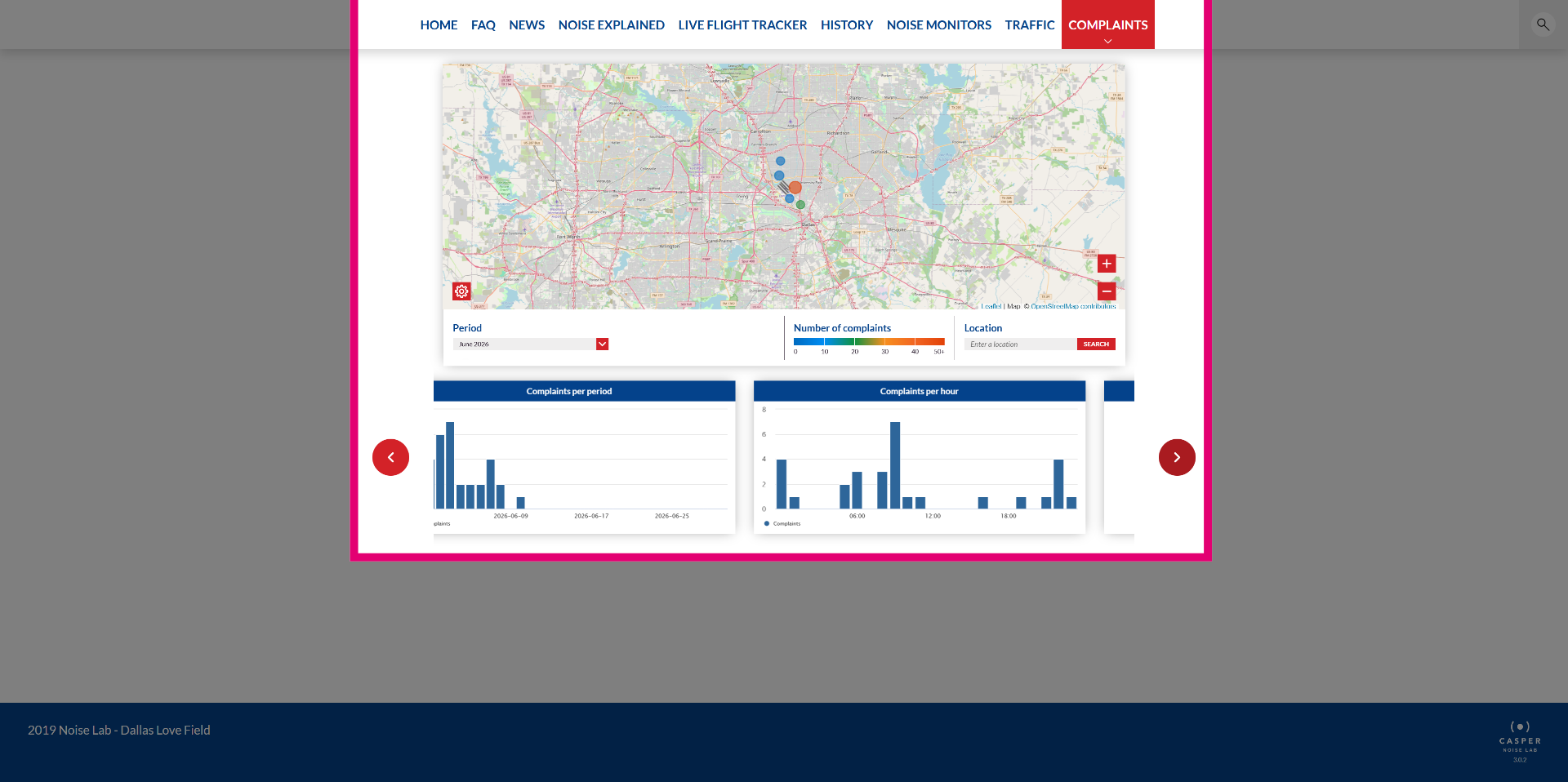
Explore the complaints data browser which visualizes areas on the map where most complaints are coming from and provides statistics on the number of complaints in a certain period or time of day.