New article
Recently updated
Adding files to pages

Who is this article for?
Users working with the creator module.
Creator module access is required.
You can upload files and provide them as links on any page, in addition to adding files through the Admin menu.
Uploading a file
Files added directly to pages are not available in the document menu.
To upload a file:
- Click the Link icon.
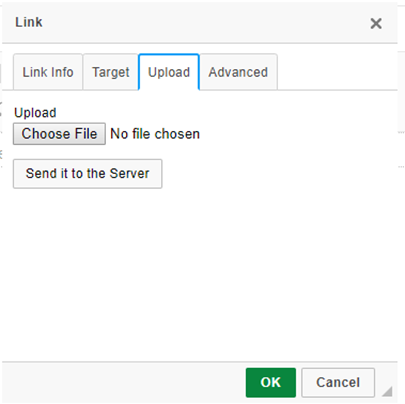
- Go to the Upload tab.
- Select the desired file from your computer.
- Click Send it to the Server.